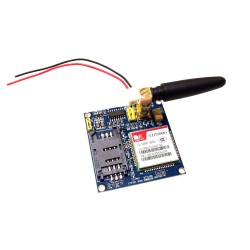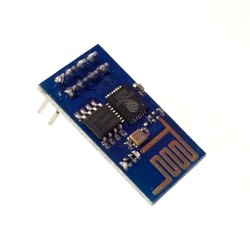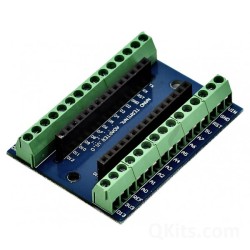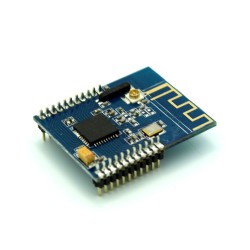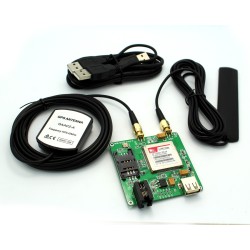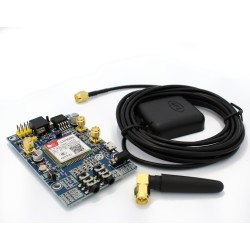
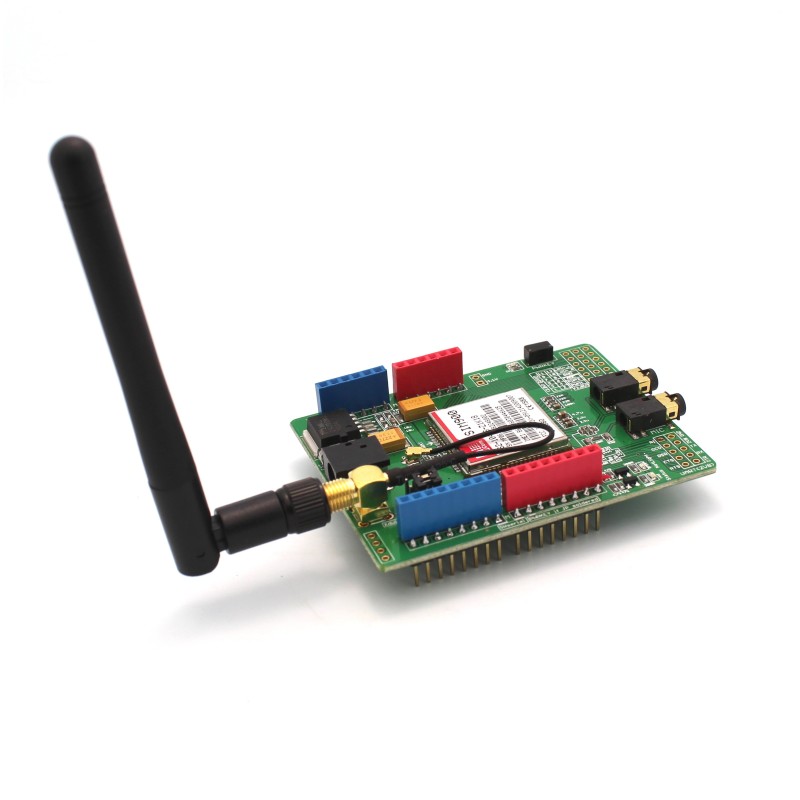
This GSM / GPRS Shield for Arduino is useful for using a cell phone network to talk to your Arduino wirelessly. Place it on top of your Arduino UNO, Mega or other board with the same board layout and you'll have quad-band GSM network access anywhere in the world! Just pop in a GSM simcard into the bottom of the shield and you can access your Arduino like a cell phone. There are three protocols you can use to send messages to your Arduino: Short Message Service, Audio, or GPRS Service.
Specifications:
- Supports standard size GSM sim cards
- Chipset: SIM900
- Quad-Band 850 / 900/ 1800 / 1900 MHz (works on GSM networks in any country)
- The shield is configured and controlled using simple AT commands via the onboard UART:
- Standard Commands: GSM 07.07 & 07.05
- Enhanced Commands: SIMCOM AT Commands
- Has Short Message Service - so that you can send small amounts of data over the network (ASCII or raw hexadecimal).
- Embedded TCP/UDP stack - allows you to upload data to a web server.
- Physical Features:
- Speaker (Pink) and Microphone (Green) jacks - so that you can send DTMF signals or play recording like an answering machine.
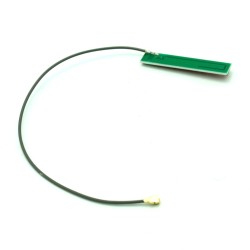
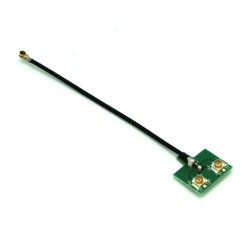
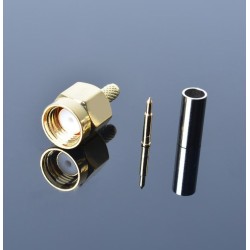
- External GSM Antenna with SMA connector
- SIM Card holder
- 3 Status LEDs:
- P: Lights when GSM Shield is connected to External Power
- S: Lights when the SIM900 chip is on
- N: Net Status
- 300ms between blinks: GPRS Communication Established
- 3000ms between blinks: SIM900 registered on the network
- 800ms between blinks: SIM900 not registered on the network
- Arduino Reset Button
- SIM900 Reset Button
- Shield ON/OFF Button: press for 1 second to manually turn off the SIM900
- UART / Soft Serial Jumpers : Set to HW to use the UART(Arduino Pins D0 & D1), set to SW to use Soft Serial (Arduino Pins D2 & D3) Note: For Arduino Mega 2560, connect the middle pins of the RX and TX jumpers to RX1 and TX1 on the Arduino Mega and change the code setting accordingly.
- Has an additional 12 GPIOs, 2 PWMs and an ADC besides the communications features
- Power consumption 1.5mA (in sleep mode), 2A peak
- Requires the Arduino to be powered via 9V DC Power Adapter or 9V Battery Adapter (USB power may not suffice during peak current draw)
- Operating Temperature: -40C - 85C
Click here to download the sample code for Arduino. (Uses Soft Serial so ensure the 2 UART / Soft Serial Jumpers are set to SW)