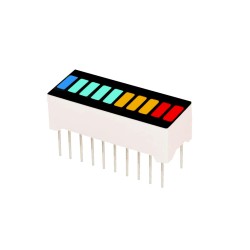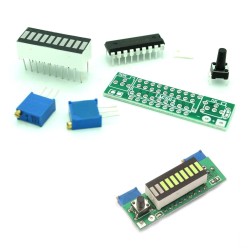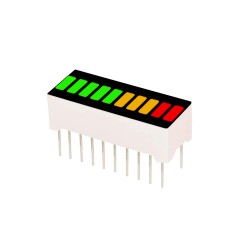
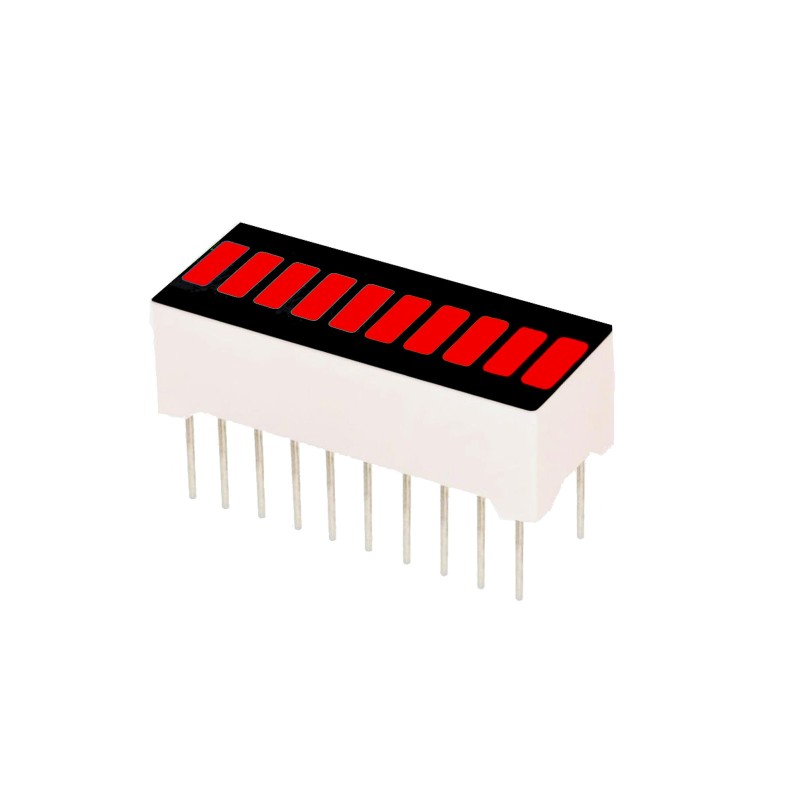


This single color LED bar graph is comprised of 10 red LEDs. Useful for battery meters, sound bars and other projects where visual measurements are key.
 Security policy
(edit with the Customer Reassurance module)
 Delivery policy
(edit with the Customer Reassurance module)
 Return policy
(edit with the Customer Reassurance module)
These 10 segment bar graph LEDs have many uses. With a compact footprint, and simple hookup, they are easy for prototyping or finished products. Essentially, they are 10 individual red LEDs housed together.
Features:
- Arduino Pin Connection
1 ----- D2 - R220 - GND
2 ----- D3 - R220 - GND
3 ----- D4 - R220 - GND
4 ----- D5 - R220 - GND
5 ----- D6 - R220 - GND
6 ----- D7 - R220 - GND
7 ----- D8 - R220 - GND
8 ----- D9 - R220 - GND
9 ----- D10 - R220 - GND
10 ----- D11 - R220 - GND
- Arduino Code
#include <Wire.h>
#include <LiquidCrystal_I2C.h>
LiquidCrystal_I2C lcd(0x27,20,4); // LCD2004
int segPins[] = { 2,3,4,5,6,7,8,9,10,11 };
int idxBar = 0;
int minVal = 50;
int maxVal = 350;
int delayTime = 200;
byte digitsFill[10][10] = {
{1,0,0,0,0,0,0,0,0,0},
{1,1,0,0,0,0,0,0,0,0},
{1,1,1,0,0,0,0,0,0,0},
{1,1,1,1,0,0,0,0,0,0},
{1,1,1,1,1,0,0,0,0,0},
{1,1,1,1,1,1,0,0,0,0},
{1,1,1,1,1,1,1,0,0,0},
{1,1,1,1,1,1,1,1,0,0},
{1,1,1,1,1,1,1,1,1,0},
{1,1,1,1,1,1,1,1,1,1}
};
void setup()
{
lcd.init(); // initialize the lcd
lcd.backlight();
lcd.print("start LCD2004");
for (int i=0; i<11; i++)
{
pinMode(segPins[i], OUTPUT);
}
delay(1000);
lcd.clear();
}
void loop()
{
lcd.setCursor(0,0);
lcd.print("D024:Bargraph LED");
idxBar = map(analogRead(A0), minVal, maxVal, 0, 9);
lcd.setCursor(0,1);
lcd.print("analog=" + (String)analogRead(A0) + " ");
for(int j=0; j<10; j++)
{
digitalWrite(segPins[j], digitsFill[idxBar][j]);
lcd.setCursor(0,2);
lcd.print("idxBar="+(String)idxBar+" ");
}
delay(delayTime);
}

This single color LED bar graph is comprised of 10 red LEDs. Useful for battery meters, sound bars and other projects where visual measurements are key.