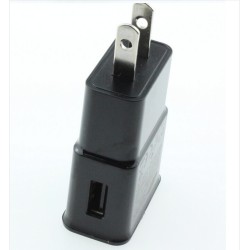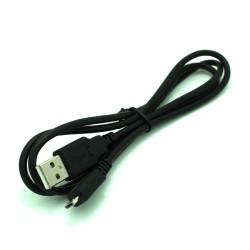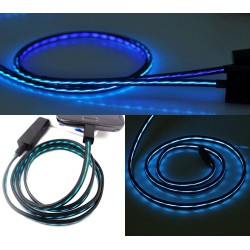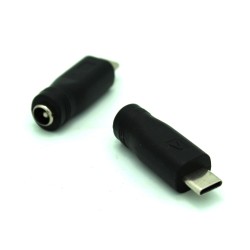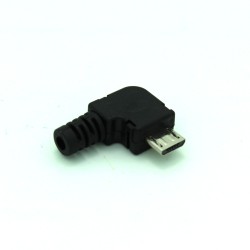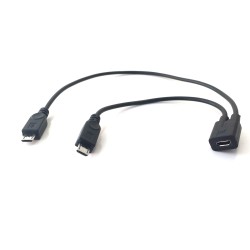
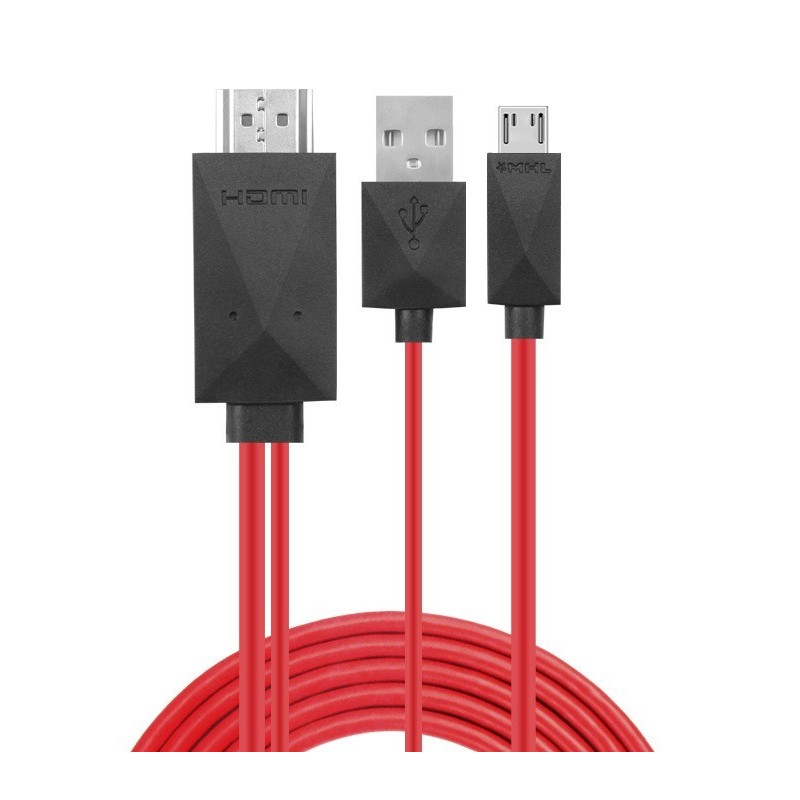


PLEASE CHECK COMPATIBILITY BEFORE BUYING - see full list of compatible models in the Product Description. Compatible ONLY with MHL Enabled 11-Pin Micro-USB interface devices! Power only from 5V Wall USB Charger (1A min)!
 Security policy
(edit with the Customer Reassurance module)
 Delivery policy
(edit with the Customer Reassurance module)
 Return policy
(edit with the Customer Reassurance module)
Features:
Only supports 11 Pin MHL Enabled Devices (see list below)
COMPATIBILITY:
Samsung Galaxy S3
Samsung Galaxy S4
Samsung Galaxy S5
Samsung Galaxy Mega
Samsung Galaxy K Zoom
Samsung Galaxy Note 2
Samsung Galaxy Note 3 (NOT FOR N9008V)
Samsung Galaxy Note 8.0
Samsung Galaxy Note 10.1 (2014 Edition ONLY)
Samsung Galaxy Note Pro 12.2
Samsung Galaxy Tab 3 8.0
Samsung Galaxy Tab 3 10.1
Samsung Galaxy Tab S 8.4
Samsung Galaxy Tab S2 8.0
Samsung Galaxy Tab S 10.5
Samsung Galaxy Tab Pro 8.4
Samsung Galaxy Tab Pro 10.1
Samsung Galaxy Tab Pro 12.2
HOW TO USE:
1) Connect the Micro USB(MHL) cable into your cell phone or tablet
2) Plug the HDMI plug into your TV's HDMI port & switch the TV to the HDMI channel
3) Connect the USB cable to a power adapter (at least 5V 1A) to supply power for the adapter
4) Restart your device after connecting to the TV
*Please make sure that your device supports MHL before purchasing.
*Do not connect the MHL Adapter through the Desktop dock.

PLEASE CHECK COMPATIBILITY BEFORE BUYING - see full list of compatible models in the Product Description. Compatible ONLY with MHL Enabled 11-Pin Micro-USB interface devices! Power only from 5V Wall USB Charger (1A min)!