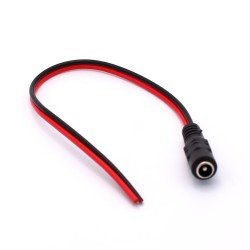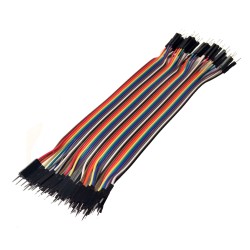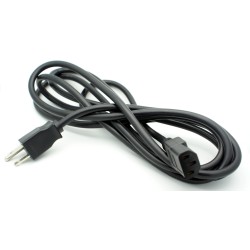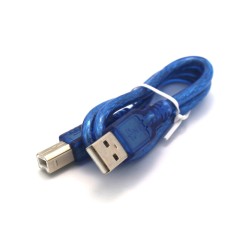
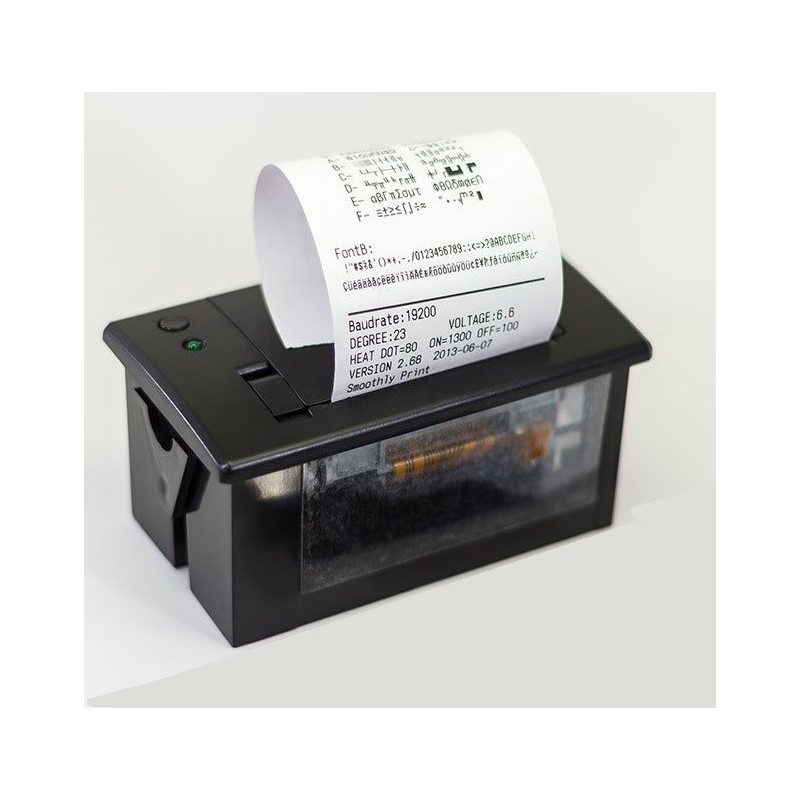

A mini thermal printer accessible via 5V TTL Serial for your IoT projects. Arduino compatible.
 Security policy
(edit with the Customer Reassurance module)
 Delivery policy
(edit with the Customer Reassurance module)
 Return policy
(edit with the Customer Reassurance module)
Specifications:
Printer Test Procedure (no Arduino / controller required): Hold down the button on top of the printer and plug in to power to print a self test page and ensure your power supply is strong enough and the printer is working properly.
/*------------------------------------------------------------------------
Arduino Code for Thermal Printer TS1828
https://tinkersphere.com/arduino-compatible-components/1828-thermal-printer-for-iot.html

Wire Connections for Black, Yellow, Green Port
Arduino Pin 6 ->  Yellow Wire
Arduino Pin 5 ->  Green Wire
Arduino Ground -> Black Wire

Wire Connections for Black and Red Port
5V 10A Power Supply + -> Red Wire
5V 10A Power Supply - -> Black Wire

------------------------------------------------------------------------*/
#include "Adafruit_Thermal.h"
#include "SoftwareSerial.h"
#define TRANSMIT_PIN 6
#define RECEIVE_PIN 5

SoftwareSerial mySerial(RECEIVE_PIN, TRANSMIT_PIN);
Adafruit_Thermal printer(&mySerial);

void setup() {
  //Printer Setup with Serial Baud Rate
  mySerial.begin(9600);
  printer.begin();
}

void loop() {
  //Print Text
  printer.setSize('M');
  printer.println(F("Tinkersphere"));

  //Print UPC Barcode
  printer.setBarcodeHeight(100);
  printer.printBarcode("TS1828", CODE128);
  printer.feed(2);

  // Put Printer in Sleep Mode for 3 seconds
  printer.sleep();
  delay(3000L);

  // Wake Printer from Sleep Mode
  printer.wake();

  // Restore printer to defaults
  printer.setDefault();

  delay(10000L);//Wait 10 seconds before repeating
}

A mini thermal printer accessible via 5V TTL Serial for your IoT projects. Arduino compatible.